

![[Review] PUTIEN's 26th Anniversary Menu Brings Back Old Favourites and Fond Family Memories - Alvinology](https://alvinology.com/wp-content/uploads/2026/10/putien-anniversary-04-110x110.jpg "[Review] PUTIEN's 26th Anniversary Menu Brings Back Old Favourites and Fond Family Memories")


Google is looking to usher in a new era of web browsing with major updates to their Chrome browser. Powered by the advanced Gemini 3.1 model, the newly upgraded browser is designed to function less like a simple portal and more like an intelligent personal assistant.
These enhancements seek to help users seek information, manage complex workflows, and tap into creative tools without ever needing to open a new tab or switch applications.
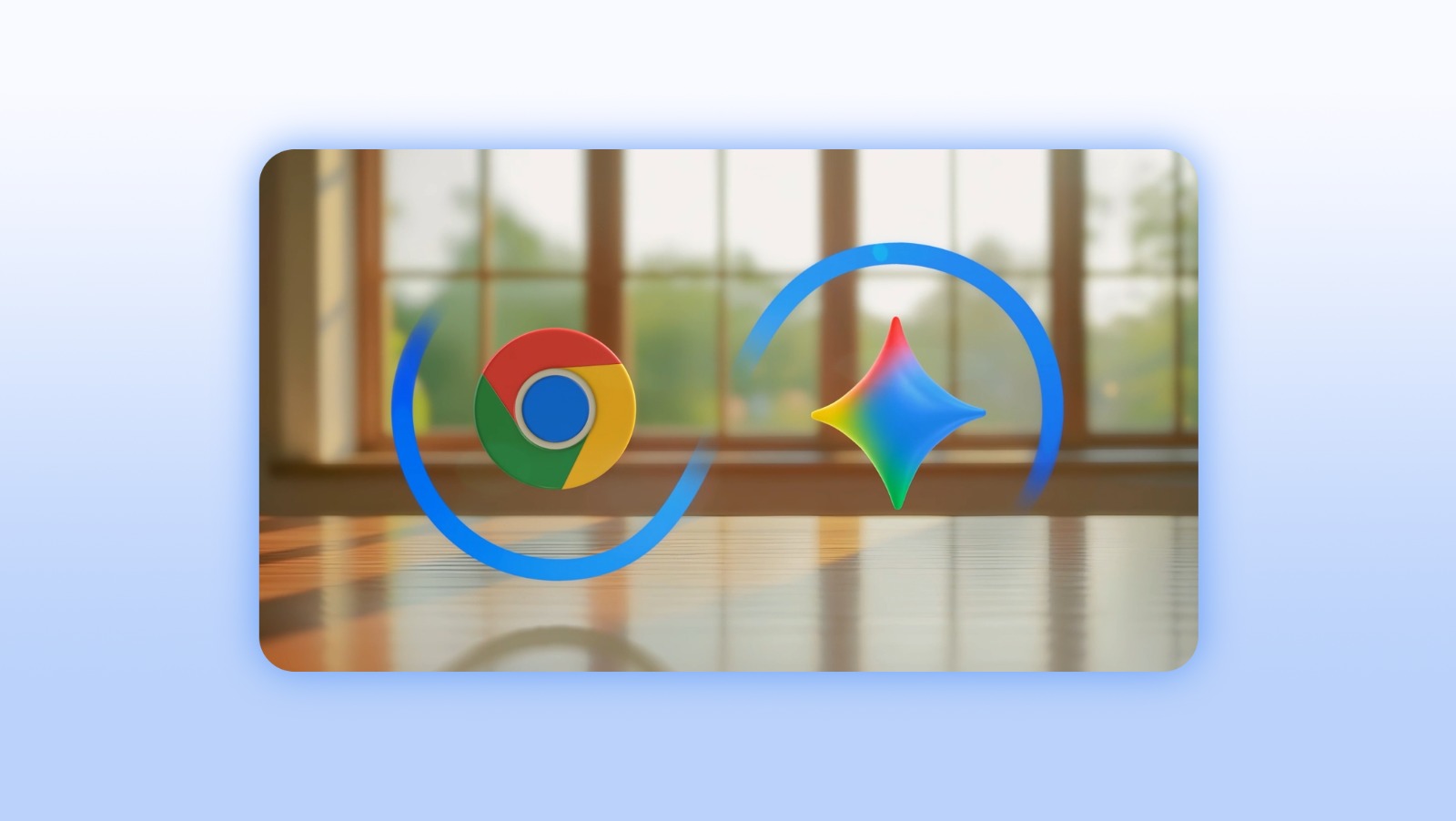
At the core of this update is a brand new side panel experience that brings Gemini directly to wherever you are working on the web. By simply clicking an icon in the top right corner of the browser, you can immediately summon a personalised browsing assistant.
This allows for uninterrupted multitasking. Whether you are looking to summarise long articles, extract the most important points from a lengthy YouTube video, or consolidate research from numerous open pages into one single view, the side panel keeps everything organised. Some real world use cases would be to compare product reviews across different sites and to manage chaotic schedules by cross referencing information without losing sight of your primary tab.
Creative capabilities are also getting a massive boost with the integration of Nano Banana 2.
This powerful tool is built directly into Chrome and allows users to transform and reimagine images right from the browser window. There is no longer any need to download files, upload them to a third party site, or open additional tabs. You can simply type a text prompt in the side panel to explain your creative vision. Whether you need inspiration for a home redesign or want to turn raw research data into beautiful infographics, Nano Banana 2 handles the creative heavy lifting instantly.
Productivity takes another leap forward through deep integrations with Google Connected Apps.
You can connect your workspace tools including Gmail, Maps, Calendar, Google Shopping, and Google Flights to your browser. This interconnected system allows Gemini to accomplish complex tasks efficiently. For instance, if you are planning a business trip, your browser assistant can search your inbox for old event details, pull up relevant flight recommendations, and draft an email to your colleagues with your expected arrival time. All of this happens seamlessly within the current browsing window.
Looking ahead, Google will be rolling out Personal Intelligence to Chrome in the coming months.
This feature allows the browser to remember context from past conversations, ensuring that answers are uniquely tailored to individual user needs. Chrome will transform from a generic search tool into a proactive and trusted partner. Crucially, for privacy, you maintain total control over this experience and can opt in, disconnect apps, or delete your chat history at any given moment.
For more details, check out this blog post by Parisa, Tabriz, Vice President, Chrome, at Google.